For a watermark-free 1080p logo intro, use Clipchamp’s personal Free plan. Import your own PNG and place it above the footage. For an animated GIF, Canva offers logo templates you can download with your own artwork and Free elements. If another editor needs to place the moving logo over footage you haven’t seen, ask for a file with an alpha channel, which records transparency. That changes the shortlist. In ChatCut you can put a logo over footage and export the finished edit locally on Free. Exporting the motion graphic by itself with transparency requires a paid plan. Clipchamp plans · Canva animated logos · ChatCut plans
Free logo animation tools compared
| Tool | When to choose it | What the free option covers |
|---|---|---|
| Clipchamp | Put a logo over an existing clip | Personal Free exports up to 1080p without a watermark using your own or free assets. |
| Canva | Make a social card or looping GIF | Free templates are available. On Canva Free, unlicensed Pro content carries a watermark. |
| ChatCut | Keep the logo and main edit on the same timeline | Manual editing and local video export use no credits. Free exports have no watermark. Transparent ProRes graphics require a paid plan. |
| Renderforest | Preview a stylized logo reveal | Free video exports carry a watermark. A paid export is available for a single video. |
| Animaker | Pair a logo with a character animation | Its video-maker FAQ lists up to three HD downloads per month on Free, with a watermark. |
| Cavalry | Animate separate parts of a 2D mark | The Mac and Windows desktop app is free with a Canva account. |
| DaVinci Resolve | Composite a logo inside a Resolve edit | The free editor includes Fusion. Studio adds effects and other paid features. |
| Blender | Give a flat outline depth and light it in 3D | The open-source application is available for commercial work. |
| Pencil2D | Draw a mark into place frame by frame | The open-source application includes raster and vector drawing tools. |
| After Effects | Make a one-off change to an After Effects project | The full app has a seven-day trial. Billing begins after the trial unless you cancel. |
How we selected the tools. ChatCut publishes this guide. We compared official documentation on November 20, 2026, looking at the artwork each workflow accepts, what moves, and what you can deliver without paying. The limits above come from the vendors. We also exported two versions of the same four-second logo reveal in ChatCut Desktop. The separate 3.5-second timing table below is a suggested arrangement.
Three ways to move a logo
Animate the original artwork. If the name and icon must move independently, start with separate layers or grouped vector paths. An SVG can also contain text or an embedded bitmap, so inspect the file before choosing a path animation. With a single transparent PNG, you can move the whole mark as a layer. Use a source at least as large as its intended size on screen. W3C’s SVG introduction · PNG specification
Use a template. Choose this route when you want an existing entrance or reveal. Insert your logo and preview the last frame. A square placeholder can clip the ends of a wide wordmark even when the original file has the right proportions. Check the watermark and download rules before adjusting the rest of the scene. Canva logo templates · Renderforest logo templates
Generate a background. If you want smoke or reflections behind a wordmark, put the approved artwork on a separate track above the effect. A generated image sequence can change the shape or spacing of the letters. Keeping the source mark separate also lets you replace the background without rebuilding the logo. ChatCut’s hosted AI video and image generation require a paid plan and use credits. ChatCut plan comparison
Which editor fits your file?
ChatCut for an editable logo reveal
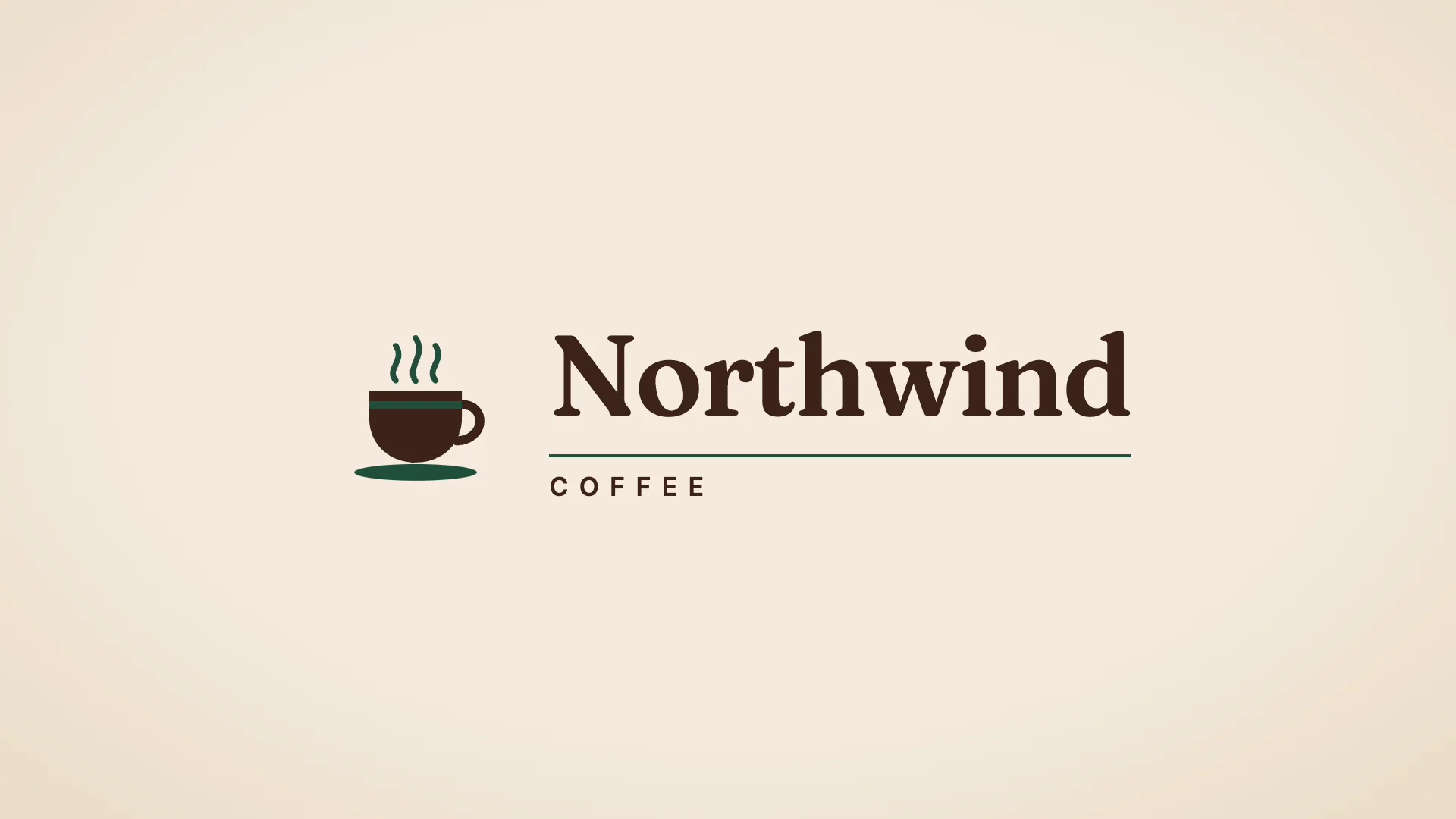
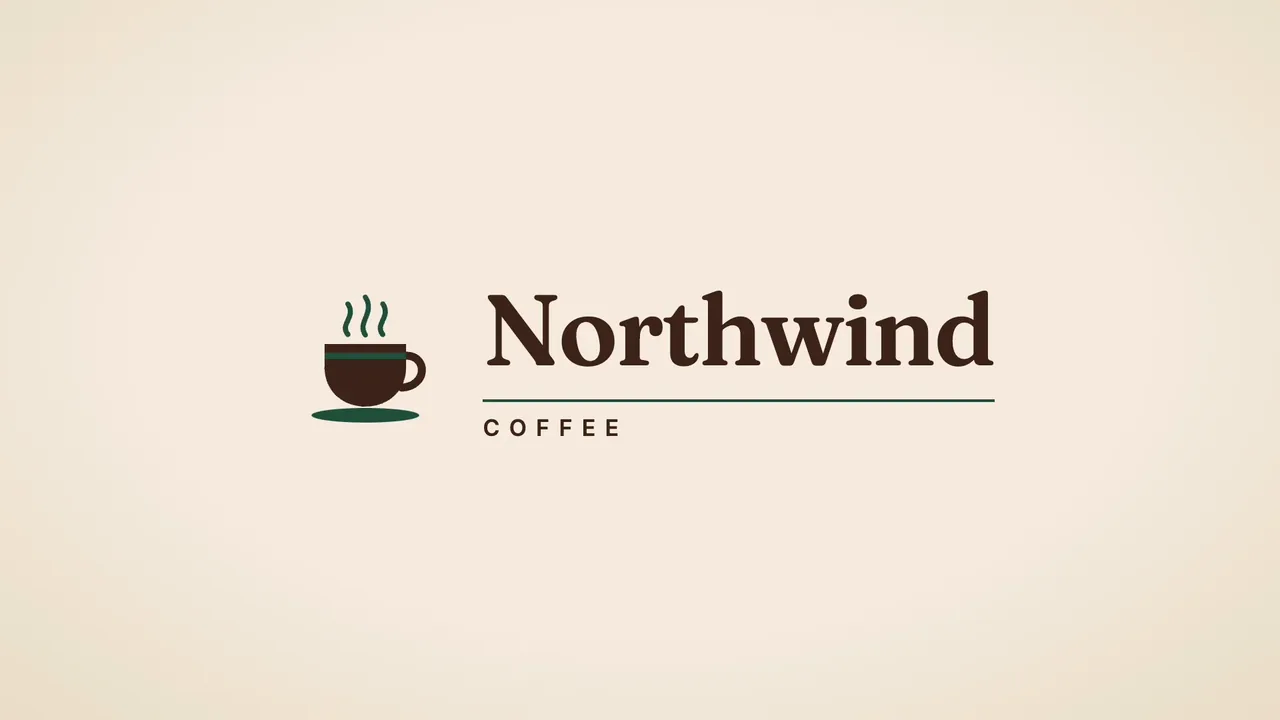
For this test, Claude Code, the external agent driving ChatCut Desktop, wrote the cup and wordmark as one editable motion graphic and placed it on the timeline. No AI image, video, or audio generation was used.
On a cream background, the cup pops into place and three curls of caramel-colored steam appear above it. The letters in “Northwind” rise one by one, an underline extends, and “COFFEE” fades in below. From 2.5 seconds to the end, the lettering holds while the steam drifts.
We asked Claude Code to revise that same graphic with one instruction.
Claude Code edited the cup’s entrance in the motion graphic’s source. The cup now slides in from the left at a tilt and settles upright. The agent changed the accent color on the timeline item, turning the steam, cup stripe, saucer, and underline deep green. The lettering and cream background stayed the same.

We previewed both versions on the timeline and exported each locally from Desktop as an SDR H.264 MP4 at 1920 × 1080 and 30 fps. ChatCut’s billing record showed 0 ChatCut credits spent on the project, including the revision and both exports. The external agent uses its own subscription or API allowance for reasoning and code. If you send one of these prompts with the built-in ChatCut Agent in the web editor, that run uses ChatCut credits. Credits policy · Agent setup
If you already have an SVG, PNG, WebP, or GIF, import it into the project’s Media Pool. On the web, choose Media Pool → Upload → Files…. In Desktop, choose Media Pool → Import → Files…. An attachment to an AI message serves as a reference for that request. Media Pool · Supported formats
The Free plan covers uploads, manual editing, transcription, and standard caption editing without spending credits. Local renders in the browser and in Desktop use no credits and leave the project owner’s cumulative cloud allowance untouched. Once that allowance is used, a cloud render may require credits or an upgrade. For a manual web export, check the render method and any estimate before confirming. Free and paid plans · Web and Desktop export
To use your own connected agent in Desktop, choose Claude Code or Codex CLI under Agent Selection. Desktop runs on macOS 13 or later (Apple silicon or Intel) and Windows 10 or later (x64). There is no native Linux build. Desktop setup · Product facts


-
 Codex
-
 Claude Code
-
 Antigravity
-
 Hermes Agent
- + any MCP client
If you need a file another editor can layer over unrelated footage, Export → Graphics creates a separate ProRes 4444 MOV with alpha for each timeline motion graphic. The feature is included in paid plans starting with Starter. On November 20, 2026, the starting price was US$25 billed monthly for 100 credits per month, or US$252 billed annually. The ordinary Video export delivers the assembled timeline. For titles and lower thirds that follow the logo, see the motion graphics guide. Transparent motion graphics · Plan pricing
Clipchamp for a finished MP4
Choose Clipchamp if you have a PNG logo and one video to deliver. With a personal Microsoft account, import the logo into My media, then drag it above your footage. The import works without a brand kit. The personal Free plan covers watermark-free exports through 1080p. Eligible Microsoft 365 subscriptions add 4K, premium stock and effects, and a brand kit for reuse across projects. The finished video downloads as an MP4. Clipchamp export formats · Microsoft’s logo overlay instructions · Clipchamp plans
Canva for an animated logo card
Start with an animated-logo template, then choose which items enter together. Canva lists MP4 and GIF as download options. On Canva Free, keep the default 1080p quality when downloading an MP4. Changing the resolution can trigger an upgrade prompt, even if you select a lower resolution. SVG download and the transparent-background download option are restricted by plan. Animated logo templates · Canva download settings
Check each graphic or background you add. Canva Free shows a watermark on Pro content. Replace it with your own artwork or a Free element, or license the eligible Pro content for that design. Recheck the design after adding a stock image, even if you started with a Free template. Canva’s content licensing terms
Renderforest and Animaker for template previews
Renderforest makes sense if you want to show a client a preset reveal before investing in a clean export. Its Free plan produces watermarked videos. If the client approves one version, Renderforest offers a pay-per-export option for that video as well as subscriptions. Check the wording on a replacement export if you revise the approved cut. Renderforest pricing · Renderforest export FAQ
Animaker is a candidate if the logo closes a character animation. Its video-maker FAQ describes up to three HD downloads per month on Free, with a watermark. Its paid-plan comparison lists watermark removal. Treat the separately advertised seven-day trial as a different offer when deciding what you can deliver each month. Animaker video-maker FAQ · Animaker pricing
Cavalry for vector motion
Choose Cavalry when the movement depends on the relationship between shapes, such as several strokes arriving at different times around a mark. Its procedural 2D tools let a designer build rules for that motion. Download the desktop application for Mac or Windows and connect a Canva account. Access is available across Canva plans, including Free. Cavalry access and setup · Cavalry documentation
Fusion for editors using DaVinci Resolve
If the edit is already in Resolve, Fusion lets you build the logo composition in the same project. Its nodes connect operations such as transforming a layer and combining it with a background. The spline and keyframe editors let you adjust when a move slows down. Fusion is included with the free Resolve application. Check for Studio-only effects before building a client project around a specific effect. On November 20, 2026, Blackmagic’s US page listed Studio at a promotional purchase price of US$236, down from US$295. Blackmagic Design’s Fusion overview
Blender and Pencil2D for custom artwork
Blender fits a logo that needs physical depth. Import a path-based SVG using File → Import → SVG as Curves (.svg), then extrude the curves for a raised edge. If the design depends on an embedded bitmap or live text, prepare path outlines first. Blender’s GPL allows commercial work. Blender SVG import · Curve geometry · Blender licensing
Pencil2D suits a mark you want to sketch into place frame by frame. It offers raster and vector drawing workflows and runs on Windows, macOS, and Linux. The project is open source and allows commercial use. For a wordmark that must match approved artwork, compare the final drawing against the original before you deliver it. Pencil2D features and licensing
After Effects for an existing project
If a client sends an After Effects project, allow time during the trial to check its assets, make the change, and review the exported file. Adobe offers the full application for seven days. Its US trial page shows billing beginning on day eight unless you cancel during the trial. Adobe After Effects trial
How to animate a short logo sting
Start with approved artwork. If all you have is a PNG, put a bright color behind it and check the corners. A white rectangle or a checkerboard that moves with the mark may already be part of the image. If you need the icon and lettering to move independently, prepare separate assets.
Pace the movement across four beats
Here is one possible 3.5-second arrangement. Adjust the still hold to suit the amount of text and the cut that follows.
| Time | Movement |
|---|---|
| 0.0–0.4 s | Fade in the icon and bring it from 90% to its final size. |
| 0.4–1.7 s | Move the icon into its final position, slowing as it arrives. |
| 1.7–2.4 s | Reveal the supplied wordmark beside the icon. |
| 2.4–3.5 s | Hold the finished arrangement still so you can read it at playback size. |
Choose the export and inspect the file
| Destination | Delivery choice | What to check |
|---|---|---|
| Finished intro or social video | H.264 MP4 | Play the logo over the final background. ChatCut also offers VP8 WebM in the web editor. Supported formats |
| An overlay for another editor | ProRes 4444 MOV exported with alpha | Place it over both a bright clip and a dark clip. You should see those clips around the logo and through openings in letters. Apple’s ProRes guide |
| A website header that needs scalable artwork | An animated, path-based SVG when the site accepts it | Check the design at its smallest display size and verify playback on the intended page. W3C’s SVG introduction |
| A small looping graphic | Animated GIF when the destination supports it | Test the first frame and the loop seam in the actual placement. Canva lists GIF as an animated-logo download. Canva templates |
For 4K delivery in ChatCut, use Desktop local rendering or a browser that can encode 4K locally. The option can require a plan upgrade. Cloud video rendering tops out at 1080p. ChatCut export limits
Pause the exported file on the still hold. Compare letter spacing, shape, and color against the approved logo. Then play the clip muted at its intended display size. If the name becomes readable just as the scene cuts away, move the reveal earlier or extend the hold.